Certifications on Resume: Must-Have Skill Proof Formatting Tips for Success
When it comes to crafting a standout resume, including certifications on resume effectively can play a key role in showcasing your expertise and enhancing your credibility. Certifications serve as tangible proof of your skills and dedication to your profession, often making the difference between landing an interview or being overlooked. However, presenting these qualifications properly within your CV sections is crucial to maximize their impact. This article will explore essential skill proof formatting strategies to help you highlight certifications on your resume successfully.
—
Why Certifications on Resume Matter
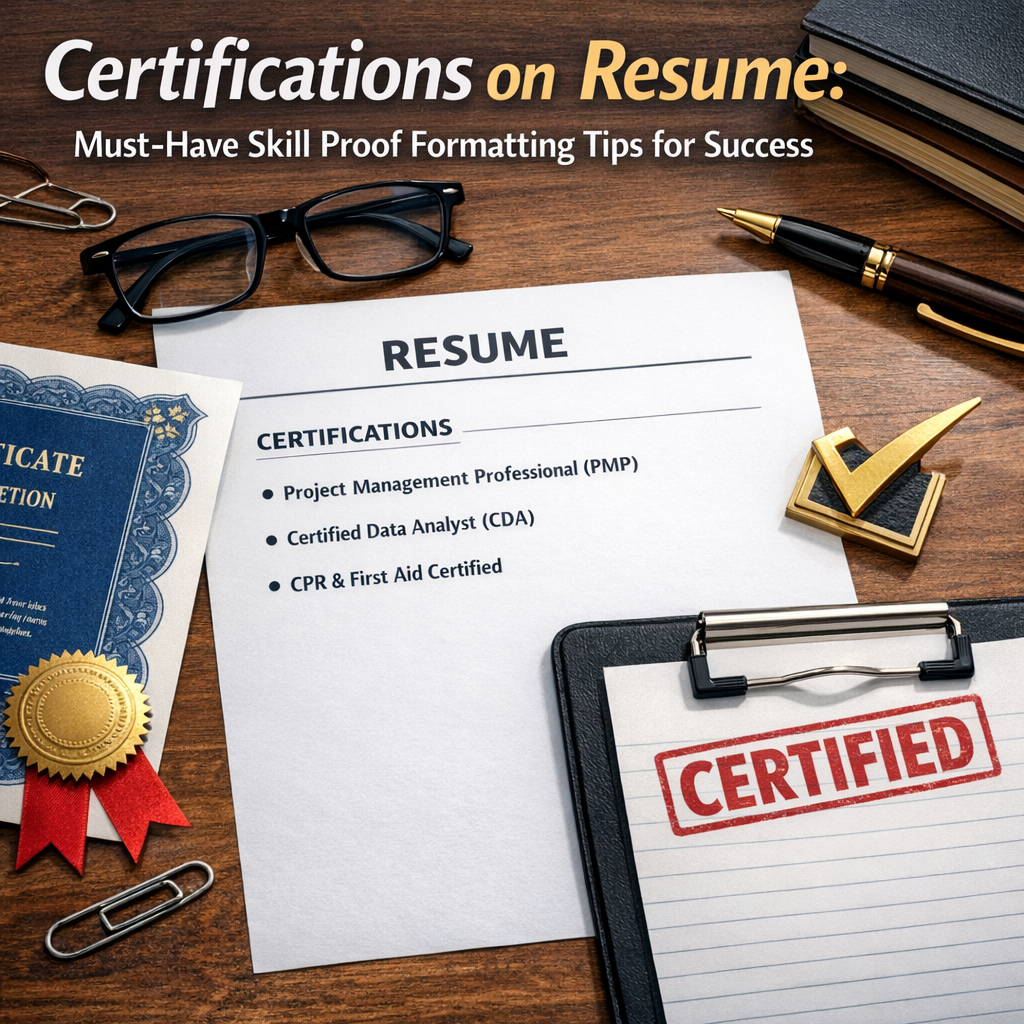
In today’s competitive job market, certifications act as a universal language—demonstrating proficiency in specific skills or knowledge areas. Whether you hold a technical certification like AWS Certified Solutions Architect or a project management credential such as PMP, these validations attest to your capabilities beyond what a typical resume description can convey. Recruiters and hiring managers often use certifications as screening criteria to quickly identify qualified candidates.
Additionally, certifications reflect your commitment to professional development and adapting to industry changes. Including them strategically not only boosts your applicant profile but also enhances your professional brand as a competent and motivated individual.
—
Key CV Sections to Include Certifications on Resume
To make your certifications stand out, it’s important to place them in the right section of your CV. Common approaches include:
1. Dedicated Certifications Section
The most straightforward way is to create a distinct section titled “Certifications” or “Professional Certifications.” This section should appear prominently, often right after your education or skills summary, ensuring hiring managers notice these qualifications quickly.
2. Skills Section Integration
If you have multiple certifications directly linked to specific skills, integrating them within your skills section can create a cohesive narrative. For example, under “Programming Languages,” you can list certifications like “Certified Java Developer.”
3. Professional Experience Section
For some roles, especially where certifications are earned as part of job duties or directly enhance work responsibilities, mentioning them alongside corresponding roles provides context and relevance.
—
Skill Proof Formatting Tips for Success
How you format certifications on your resume can determine whether these credentials catch a recruiter’s eye or get lost in the shuffle. Here are some proven skill proof formatting tips:
1. Use Clear and Consistent Headings
Label your certifications section clearly to avoid confusion. Use bold headings like “Certifications” or “Professional Licenses” to draw attention. Consistency in font style and size throughout improves readability.
2. List Certifications in Reverse Chronological Order
Display your most recent or relevant certifications first, as this helps employers quickly gauge your latest qualifications. Include the certification title, issuing organization, and expiration date if applicable.
Example Format:
– Certified ScrumMaster (CSM), Scrum Alliance – Issued Jan 2023, Expires Jan 2025
3. Include Only Relevant Certifications
Focus on certifications that align with your career goals and the job you’re applying for. Irrelevant or outdated certificates can clutter your CV and dilute impact.
4. Incorporate Keywords and Acronyms
HR software often scans resumes for keywords. Include both the spelled-out form of certifications and common acronyms to ensure your resume passes Applicant Tracking System (ATS) filters.
5. Highlight Achievements Associated with Certifications
Where possible, mention how having a certification contributed to measurable successes. For example, “Leveraged Google Analytics Certification to increase website traffic by 25%.”
6. Use Bullet Points for Clarity
Present each certification as a bullet point for easy scanning. Avoid dense paragraphs or lengthy descriptions.
—
Enhancing Your Resume with Certifications
Beyond formatting, the strategic use of certifications can reinforce your overall resume narrative. Here are additional tips to consider:
– Customize for Each Job: Tailor the included certifications to emphasize those most relevant to the specific role.
– Link to Digital Credentials: Many certification bodies offer digital badges. Adding hyperlinks to these online credentials validates authenticity and reflects modern hiring trends.
– Combine with Skills Demonstration: Use the certifications section in tandem with a strong skills summary to prove your qualifications comprehensively.
—
Common Mistakes to Avoid
Even the best certifications can lose their effectiveness if not formatted properly. Watch out for these pitfalls:
– Listing too many minor or unrelated certifications, which can overwhelm or distract readers.
– Omitting important details such as issuing bodies or expiration dates.
– Using inconsistent formatting or fonts that reduce professional appearance.
– Neglecting to update certifications when they expire or are renewed.
—
Final Thoughts
Including certifications on resume with effective skill proof formatting is a powerful way to boost your employability and showcase your expertise. By carefully selecting, organizing, and presenting credentials in dedicated CV sections, you ensure hiring managers and ATS systems alike recognize your qualifications. Remember, the ultimate goal is to highlight your value clearly and make a lasting impression that moves your career forward.
Take the time to refine your resume’s certifications section today—your next job opportunity might just depend on it.