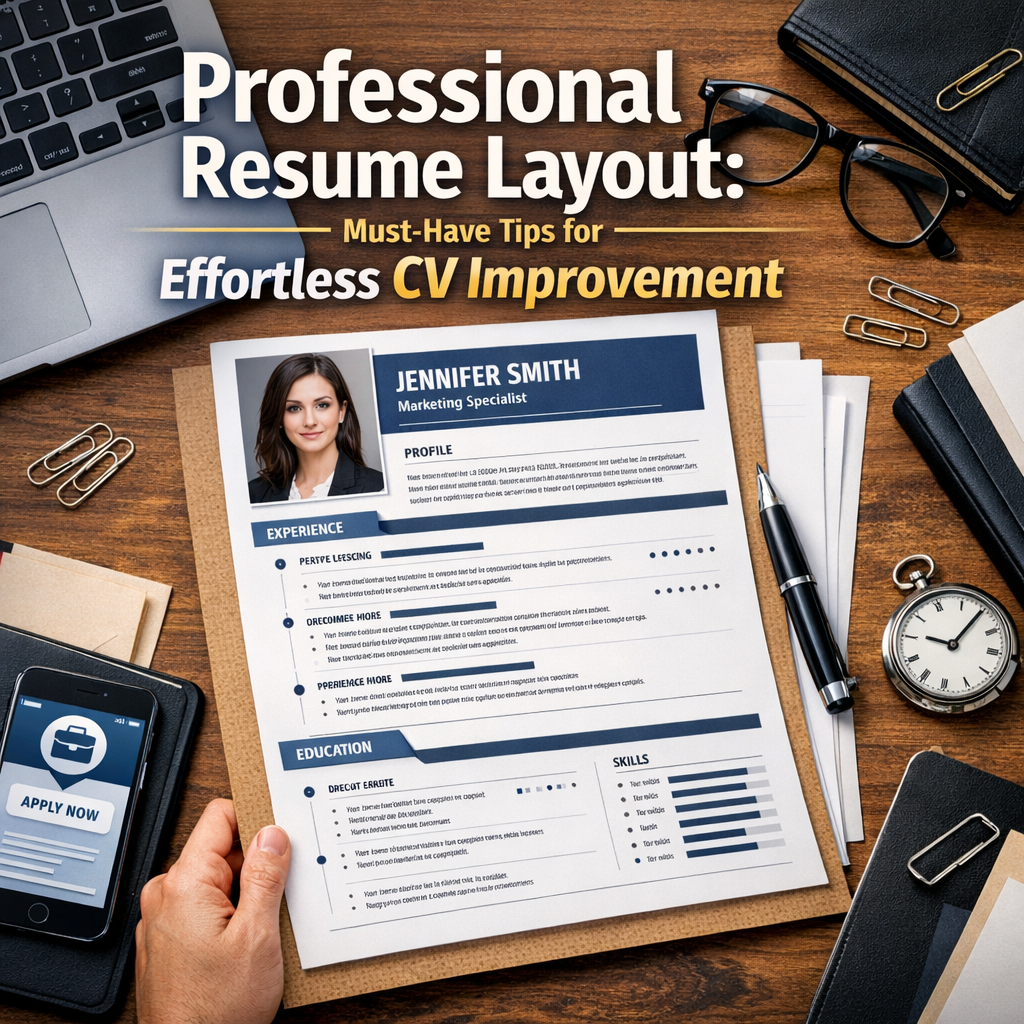
Professional Resume Layout: Must-Have Tips for Effortless CV Improvement
When it comes to landing your dream job, having a professional resume layout is just as important as the content itself. A well-structured resume not only showcases your skills and experience effectively but also impresses hiring managers with its clarity and design. Whether you’re starting from scratch or looking to refine an existing CV, understanding the key elements of a solid resume layout can significantly streamline your job application design process and boost your chances of success.
Why a Professional Resume Layout Matters
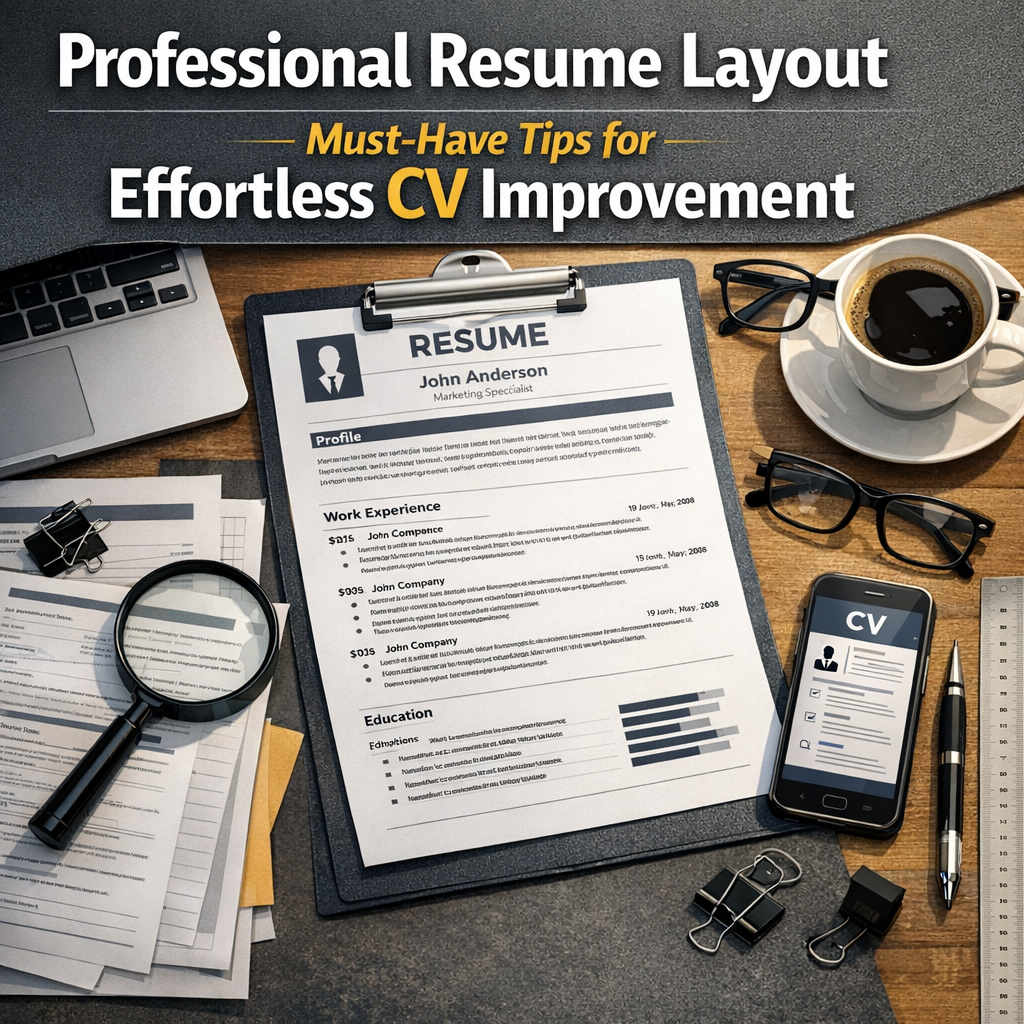
Before diving into tips, it’s essential to recognize why a polished resume layout is critical in today’s competitive job market. Recruiters often spend only seconds scanning each resume. If your document isn’t visually appealing or well-organized, it’s easy for your application to be overlooked, no matter how impressive your qualifications might be. A professional layout ensures your information is easy to read, logically arranged, and highlights your strongest points.
Key Elements of a Professional Resume Layout
1. Clear Contact Information at the Top
One of the most basic but often neglected aspects is placing your contact details prominently at the top. Include your full name, phone number, professional email address, and LinkedIn profile or portfolio link if applicable. This simple step ensures recruiters can easily reach you for follow-ups without hunting through the document.
2. Strategic Use of Headings and Sections
Dividing your resume into distinct sections helps recruiters quickly find relevant information. Typical headings include Summary/Profile, Work Experience, Education, Skills, and Certifications. Using consistent formatting—such as bold fonts or underlining for headings—enforces a clean hierarchy and improves scannability.
3. Consistent and Easy-to-Read Fonts
The choice of font impacts readability and the overall aesthetic. Stick to professional, modern fonts like Arial, Calibri, or Helvetica, with a size between 10 and 12 points for body text. Avoid overly decorative fonts that can distract or confuse the reader.
4. Balanced Use of White Space
White space is a powerful design tool that prevents your resume from looking cluttered. Ensure there is enough spacing between sections and individual entries to let each element breathe. This enhances comprehension and makes your CV less intimidating to read.
Must-Have Tips for CV Improvement Through Layout
Prioritize Content by Relevance
When improving a CV, don’t just toss in every detail you’ve ever added. Focus on what’s most relevant to the job you’re applying for and position it near the top of each section. For example, if you’re applying for a marketing role, highlight related projects and skills prominently rather than older, unrelated jobs.
Use Bullet Points for Clarity
Bullet points make it easier to scan accomplishments and responsibilities quickly. Start each bullet with action verbs like “managed,” “developed,” or “led” to powerfully convey your contributions. Limit each bullet to one concise thought to maintain clarity.
Incorporate Metrics and Results
Quantifying your achievements can dramatically elevate the impact of your resume. Instead of saying “Improved sales,” say “Increased sales by 20% over six months.” This gives concrete evidence of your abilities.
Avoid Overloading With Graphics
While some roles and industries welcome creative CV designs, most prefer simplicity. Too many graphics, fancy borders, or colorful backgrounds can distract from the content and cause issues with applicant tracking systems (ATS). Use visuals sparingly and only if they add genuine value.
Align Margins and Use Columns Wisely
Consistent margins around your document keep the layout uniform. Many professionals use two-column layouts to separate contact information or skills from the main body text, which saves space and organizes content neatly. Just ensure the columns don’t cramp your text or cause alignment problems.
Optimizing Your Job Application Design for ATS
More than 90% of large companies use ATS software to initially scan resumes. A professional layout should be ATS-friendly by avoiding complex formatting like tables, text boxes, or unconventional fonts that may not be read correctly. Use standard section titles like “Work Experience” or “Education” so the software can categorize your information properly.
Final Thoughts on Professional Resume Layout
Investing time in improving your resume’s design pays off immensely by enhancing readability and making a strong first impression. Remember that a professional resume layout is about clarity, balance, and relevance. By applying these practical tips—clear headings, readable fonts, bullet points, and metrics—you craft a document that recruiters can easily navigate and appreciate. Whether you’re submitting a CV online or handing over a printed copy, a thoughtful layout combined with compelling content will set you apart in any job application process.
—
By adopting these strategies, you can transform your resume into a compelling representation of your qualifications, ensuring your cv improvement efforts are both effortless and effective.