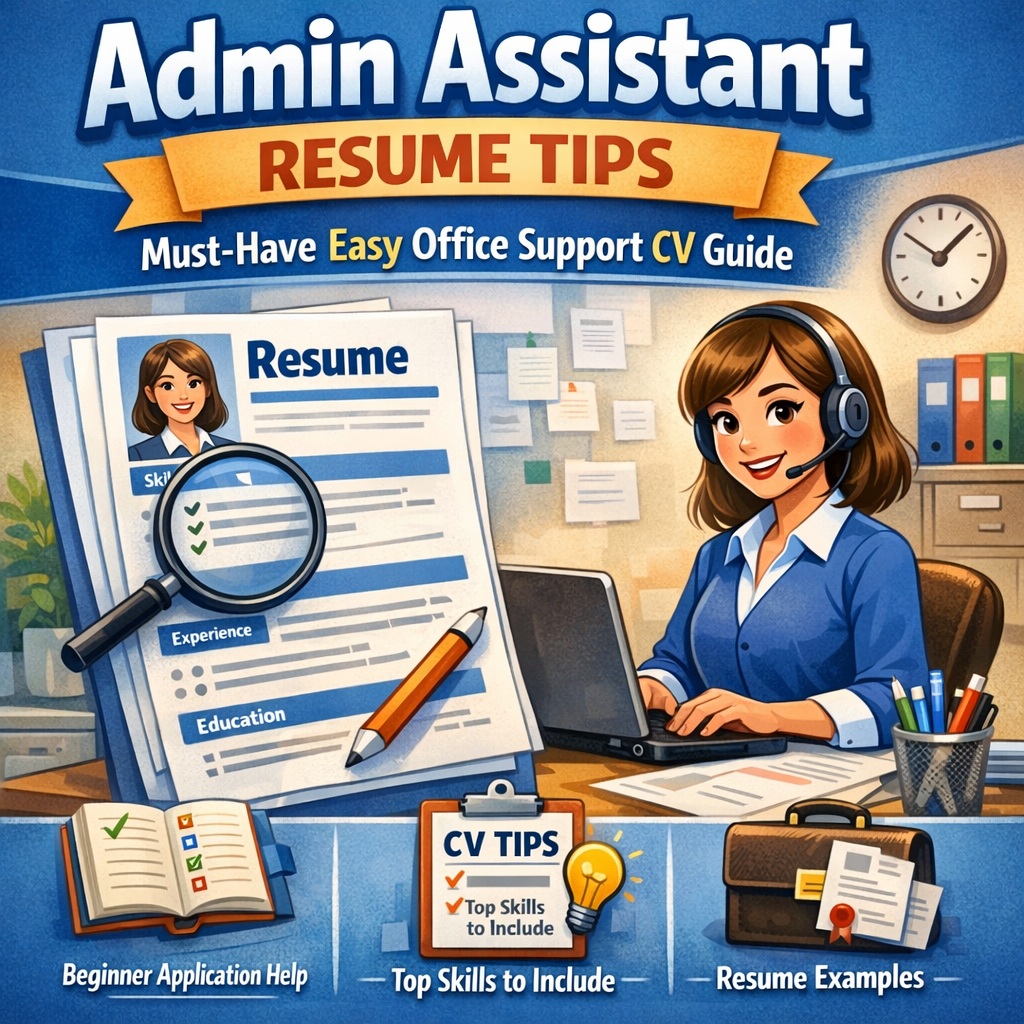
Admin Assistant Resume Tips: Must-Have, Easy Office Support CV Guide
Creating an effective admin assistant resume is essential for anyone looking to break into the administrative field or advance their career in office support. A well-crafted resume can highlight your skills, experience, and suitability for a role that demands organization, communication, and multitasking. Whether you’re aiming to submit your first office support CV or seeking beginner application help, understanding the fundamental elements will improve your chances of standing out in a competitive job market.
In this guide, we’ll walk through the must-have tips and easy strategies to make your document compelling and tailored to what recruiters want to see.
Understanding the Basics of an Admin Assistant Resume
Before diving into detailed tips, it’s important to understand what employers expect from administrative assistants. A typical admin assistant handles scheduling, customer communication, documentation, and general office coordination. Your resume must demonstrate your ability to perform these tasks efficiently and your potential to contribute positively to any organization.
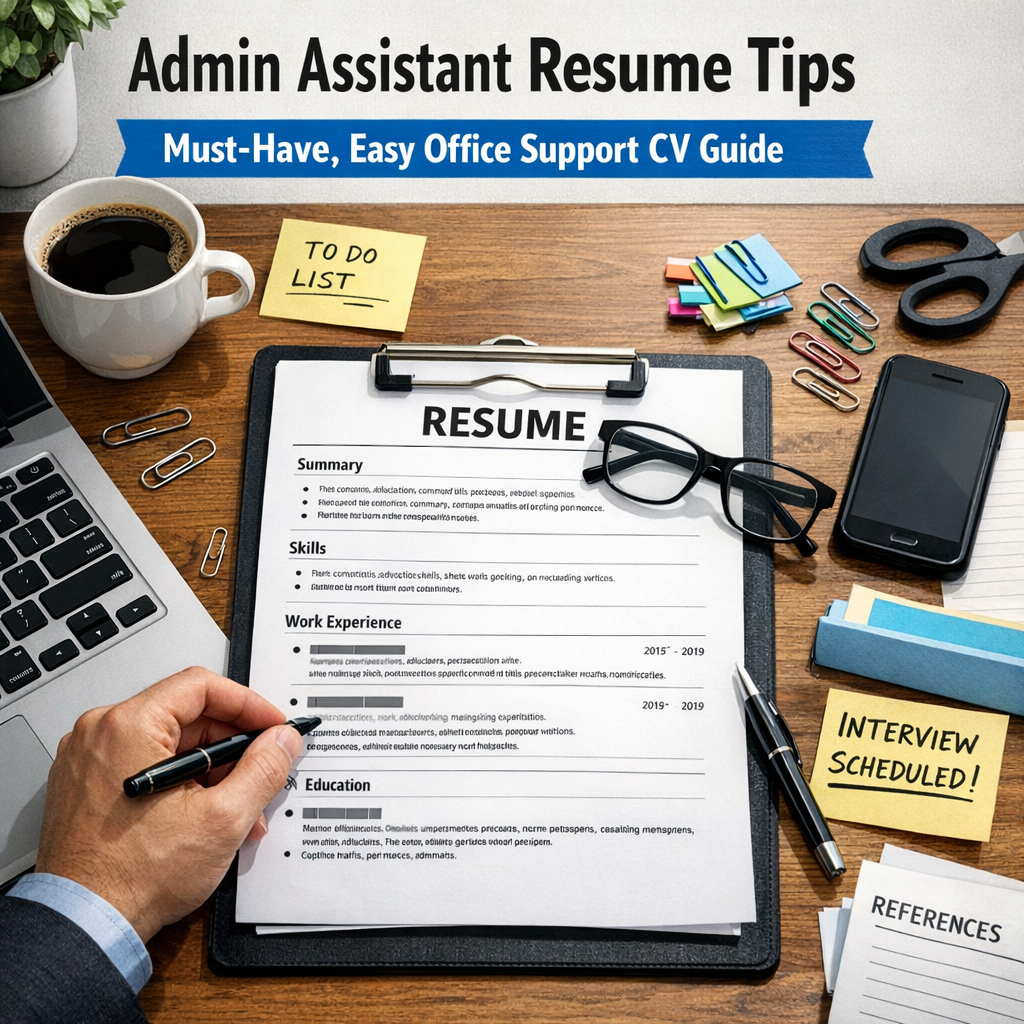
Key Sections to Include:
– Contact Information: Clear and professional (name, phone, email, LinkedIn)
– Professional Summary: A brief, impactful statement summarizing your experience and strengths
– Skills: Relevant technical and soft skills
– Work Experience: Accomplishments and duties related to office support
– Education: Relevant degrees, certificates, or training
– Additional Information: Optional section for volunteer work, languages, or software proficiencies
Admin Assistant Resume: Must-Have Skills for Office Support Roles
Including the right skills can make your office support CV pop off the page. Focus on both hard and soft skills:
Hard Skills
– Microsoft Office Suite: Word, Excel, Outlook, and PowerPoint proficiency
– Data Entry and File Management: Accurate input and organizing digital or paper records
– Scheduling and Calendar Management: Coordinating meetings and deadlines efficiently
– Basic Bookkeeping: Handling invoices or expense tracking, if applicable
– CRM Software: Familiarity with tools like Salesforce is a plus
Soft Skills
– Communication: Clear writing and speaking abilities for interacting with clients and colleagues
– Time Management: Prioritizing tasks to meet deadlines consistently
– Attention to Detail: Avoiding errors in documentation and correspondence
– Problem-Solving: Ability to manage unexpected issues calmly and effectively
– Teamwork: Working collaboratively to support office goals
Crafting a Professional Summary That Grabs Attention
Your professional summary is the first thing recruiters see after your contact details. It should quickly convey who you are as an applicant and your key qualifications.
Example summary for a beginner admin assistant resume:
> “Organized and dependable administrative assistant with hands-on experience in office support and scheduling, skilled in Microsoft Office and customer service. Adept at multitasking in busy environments and committed to maintaining efficient office operations. Eager to contribute energy and enthusiasm to support a dynamic team.”
This kind of summary helps hiring managers instantly understand your value even if you’re applying as a beginner.
Beginner Application Help: Tailoring Your Resume for Entry-Level Roles
If you’re submitting your first office support CV, the lack of extensive work experience can feel daunting. However, there are strategies to bolster your resume:
– Highlight Internships or Volunteer Work: Even unpaid positions where you performed administrative tasks count.
– Emphasize Transferable Skills: Customer service, data entry, or any organizational tasks from previous roles.
– Use Keywords from the Job Description: Many companies use applicant tracking systems to screen resumes—matching relevant keywords increases your chances.
– Include Certifications: Online courses in admin support, Excel, or time management boost your credibility.
Formatting and Presentation Tips for Clarity and Impact
An easy-to-read resume improves your chances of getting noticed. Here’s how to format your admin assistant resume effectively:
– Keep it to One Page: Especially if you’re a beginner or have under 5 years of experience.
– Use Bullet Points: To break down responsibilities and achievements—this makes skimming easier.
– Choose a Clean Font: Professional and legible fonts like Arial, Calibri, or Times New Roman.
– Use Consistent Formatting: Matching font sizes and spacing throughout the document.
– Add White Space: Avoid cramming too much information; breathing room helps readability.
Final Thoughts on Building Your Office Support CV
Creating a strong admin assistant resume doesn’t have to be complicated. Focus on presenting your skills and experiences in a way that aligns with job requirements, and don’t be afraid to customize your CV for each role you apply for. Utilize available tools, including templates and online courses, for beginner application help to reinforce your confidence.
Above all, remember that persistence and clarity are key. With the right guidance and attention to detail, your resume can open the door to rewarding opportunities in the fast-paced world of office support.
—
By following these expert tips, anyone—from newbies to experienced professionals—can create a polished and compelling admin assistant resume that truly reflects their value in the administrative field.