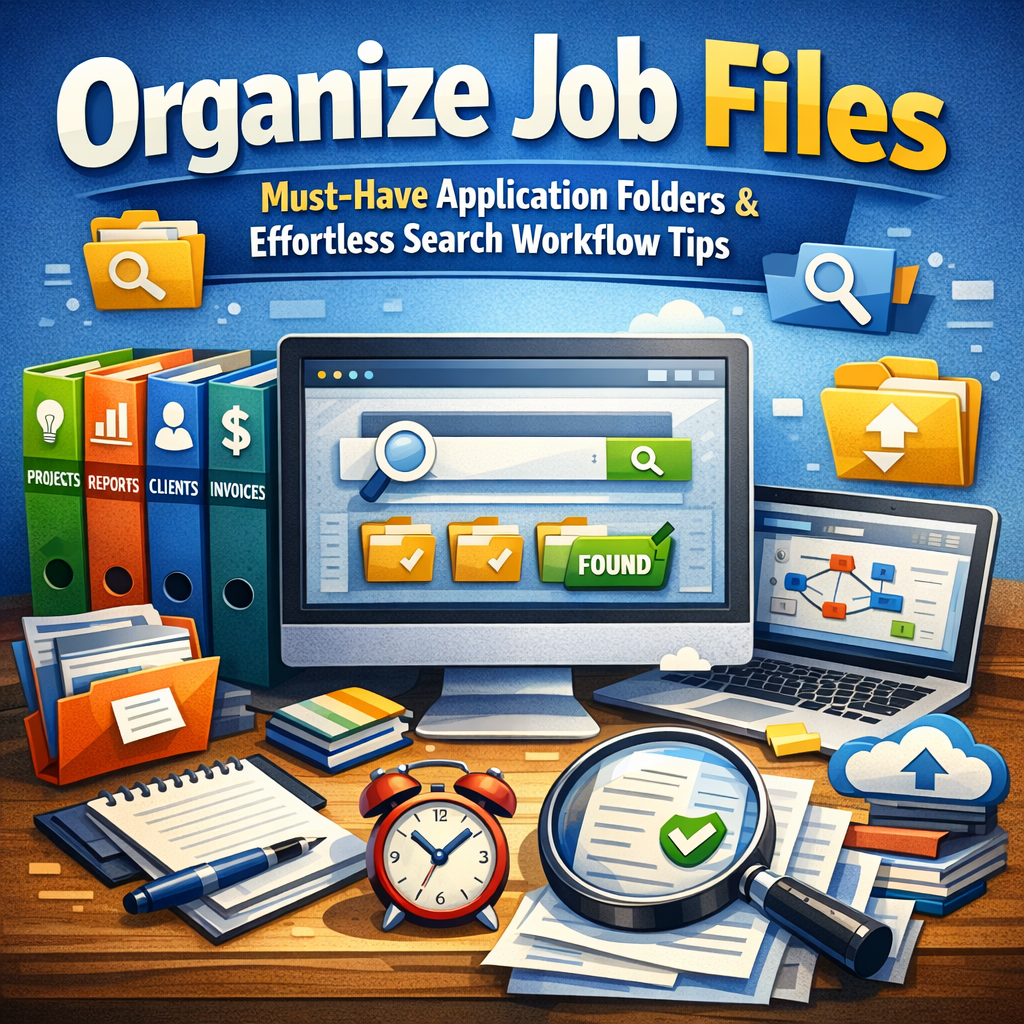
Organize Job Files: Must-Have Application Folders & Effortless Search Workflow Tips
When it comes to managing professional projects, the way you organize job files can significantly impact your productivity and effectiveness. Without a clear system for storing and retrieving documents, emails, images, or project specifications, important information can quickly become buried. Implementing structured application folders alongside streamlined search workflow tips not only saves time but also reduces stress, ensuring that you stay on top of your work and meet deadlines with ease.
Why Organizing Job Files Matters
The foundation of a productive workspace—whether digital or physical—is a well-organized repository of job-related materials. Disorganized files lead to wasted search time, duplicated effort, and the risk of losing vital information. When you develop a methodical way of structuring your files, you can focus more on the quality of your work instead of scrambling to find what you need. Moreover, an efficient file system boosts collaboration, as teammates can easily access shared resources without confusion.
Key Application Folders to Create
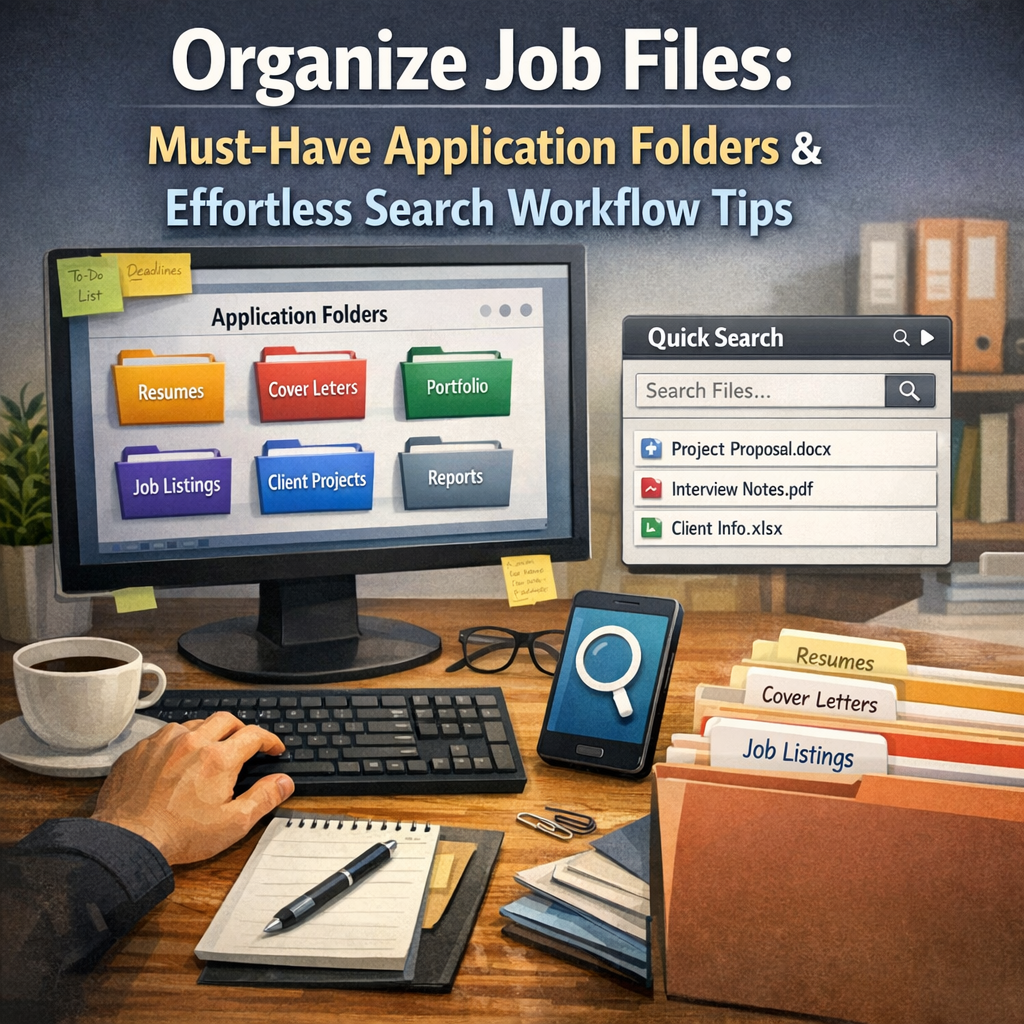
One of the best ways to organize job files is by setting up dedicated application folders for every project or category of work you handle. Here are some must-have folders that form the backbone of an effective filing system:
1. Project Documentation
Create a folder titled “Project Documentation” where you store all the core materials such as contracts, proposals, briefs, and project plans. Keeping these documents together ensures you have quick access to the foundational aspects of the job.
2. Correspondence
Because communication often involves numerous emails and attachments, build a “Correspondence” folder to save important client and colleague communications. Consider subfolders by date or sender to further refine your organization.
3. Design & Media Files
For jobs involving creative elements, set up a “Design & Media” folder. This can hold images, mockups, videos, and other multimedia files. If your projects are large, separate folders within this main folder by file type or project milestone improve retrieval.
4. Reports & Analytics
Many roles require ongoing reporting or tracking. A dedicated “Reports & Analytics” folder helps you keep spreadsheets, performance reports, and analytics dashboards in one place, making it easier to monitor progress and extract insights.
5. Templates & Resources
Efficiency increases when you reuse common materials. Keep a “Templates & Resources” folder stocked with reusable content — including templates for presentations, standard emails, and style guides — to minimize repetitive tasks.
Search Workflow Tips for Effortless File Retrieval
Saving files into clearly named folders is only half the battle. Your system is only as good as your ability to retrieve information quickly. Applying smart search workflow tips can significantly improve how you find what you need.
Use Descriptive Naming Conventions
Good naming conventions are paramount. When naming files and folders, include dates in the format YYYY-MM-DD for chronological sorting, client or project names, and brief descriptive words. For example, “2024-05-15_ClientX_ProjectPlan_v2.docx” is much easier to locate through search and intuitive browsing.
Leverage File Metadata and Tags
If your operating system or cloud service supports it, use tags and metadata extensively. Assigning keywords such as “invoice,” “urgent,” or project codes can enhance search relevancy beyond just file names. This helps when you remember details about the content but not the exact file name.
Utilize Advanced Search Operators
Most file management systems and email clients support advanced search operators like AND, OR, NOT, and wildcards. Learning to use these operators can refine results quickly. For instance, searching for `projectX AND report NOT draft` narrows results to final reports related to Project X.
Regularly Archive and Purge
An often-overlooked tip is maintaining an ongoing review process. Archive completed projects and purge unnecessary duplicates. A lean, current file repository speeds up searches and keeps your drive or cloud storage clutter-free.
Integrate Search Tools and Plugins
Consider adding powerful search tools such as Everything for Windows, Alfred for macOS, or browser extensions that index your files quickly and provide instant search results. Some project management tools like Asana or Trello also allow you to link files directly, making search integrated and seamless.
Best Practices for Maintaining Your Job File Organization
– Schedule a weekly or monthly review to reorganize files and ensure everything is in its correct folder.
– Encourage team members to follow standardized naming and filing practices.
– Back up your organized files regularly using cloud storage or external drives.
– Document your filing system in a workflow guide to onboard new colleagues efficiently.
Conclusion
Learning to organize job files through strategic use of application folders combined with smart search workflow tips transforms how you work. This approach not only frees up time spent searching but also enhances your ability to deliver quality work under pressure. By adopting clear folder structures, descriptive naming, and leveraging search technologies, you can maintain total control over your job files and navigate your workload effortlessly. Start refining your system today and experience the difference in productivity and peace of mind.